YOUR FAMILY COOKBOOK, REIMAGINED
Your family’s recipes.
All at one table.
The handwritten favorites. The weeknight wins. Keep the recipes you love, and cook more of them with the people you love.
Take a look insideMade for iPhone. Coming soon.

Saved for everyone.
LESS ORGANIZING. MORE COOKING.
From “save that”
to “dinner’s ready.”
One lovely place for the little things
that bring a meal together.
A home for every
family favorite.
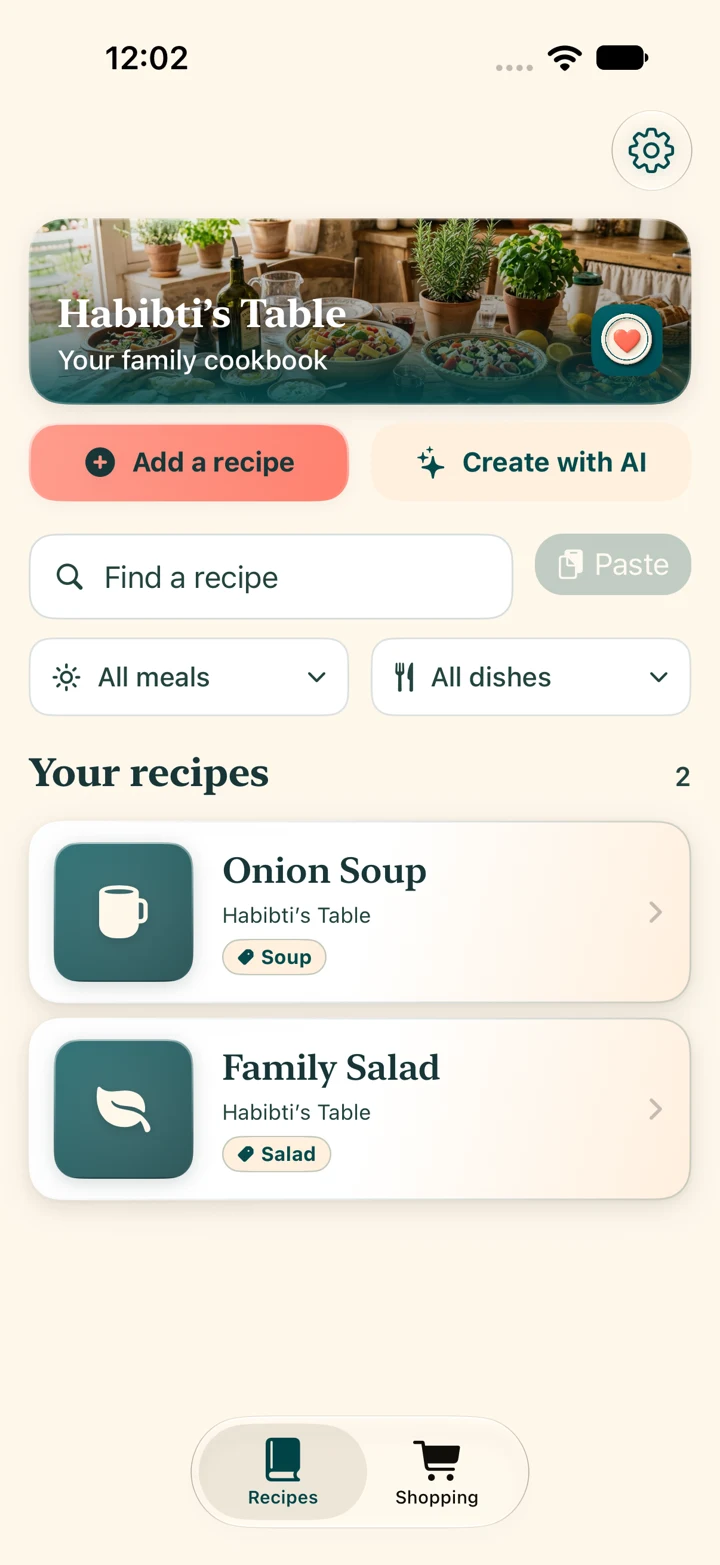
Bring your own recipes, save from supported websites, or scan a treasured page. Find your next dinner without digging through messages and bookmarks.
- Your household’s shared cookbook
- Recipes from links, text, and photos
- Search and categories that keep it simple
One list.
Everyone in the loop.
Turn recipe ingredients into a shared shopping list. Combine what you need and check things off as you go—whether you’re cooking or picking up the groceries.
- Add ingredients straight from a recipe
- Combine quantities across recipes
- A shared list for your household
A little help.
A lot more homemade.
Scale the servings, follow the steps, and start recipe timers as you cook. Keep your own notes for the next time everyone asks you to make it again.
- Adjust servings for your table
- Cooking mode keeps the screen awake
- Personal notes and cooking history
Actual app screens · Example recipes
Always at hand.
PASS ON MORE THAN A RECIPE
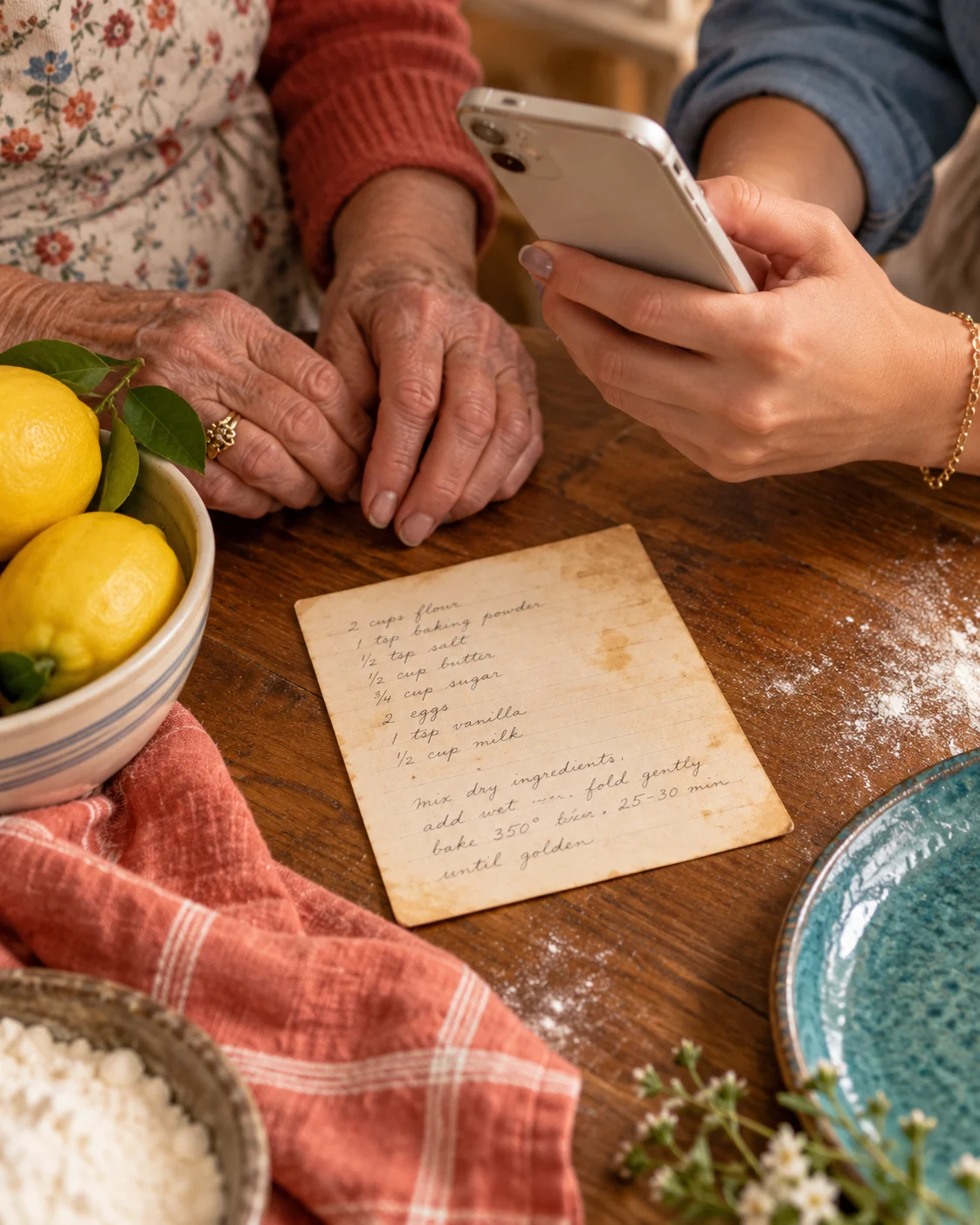
Her handwriting.
Your Sunday dinner.
A family tradition.
Give the recipes in the kitchen drawer a place in everyday life. Photograph a printed or handwritten recipe, check the words, and save it to your family cookbook.
- 1Scan or choose recipe photos.
- 2Review the words and quantities.
- 3Save the recipe. Make it together.
Original scans stay in the app on your iPhone. Reviewed text is sent for recipe import and can be saved to your shared cookbook. Handwriting may need corrections.
A little more about privacyA FEW EXTRA INGREDIENTS
Make it yours.
Pick a look you love. Keep your own cooking notes. And when you want a fresh idea, try the optional AI helper—then review it and make it your own.
Original Teal
A few of the app’s color themes. AI is optional and asks for your consent.

THE BEST PART IS WHO YOU SHARE IT WITH
More “pass the bowl.”
More “make this again.”
Build a cookbook with your household, and share favorites with the cooks you love.
PULL UP A CHAIR
A few good
questions.
Is my family cookbook public?
Your cookbook and shopping list are shared with your household. You choose when to send recipes or create share links. Shared links can be forwarded, so share with people you trust.
Can I save Grandma’s handwritten recipes?
Yes. Scan or choose up to four photos, review the recognized words, and save the recipe. Clear photos work best. Handwriting can need corrections—especially fractions, quantities, and cooking times. The original pages remain in the app on that iPhone.
Can I bring recipes from websites or Pinterest?
You can import from supported recipe pages. For Pinterest, open the Pin’s original recipe website and share that page to Habibti’s Table. Import availability varies. Save and share only recipes and images you have permission to use.
Do I need to use AI?
No. You can save and cook your recipes without the optional AI helper. If you choose AI, the app asks for consent before sending recipe content and your request for processing. Always review suggestions before cooking.
When can I download the app?
Habibti’s Table is being prepared for its US iPhone launch. It isn’t available on the App Store yet. This page will have the download link once it’s live.

YOUR TABLE IS WAITING
Good recipes deserve
good company.
Habibti’s Table. Coming soon to iPhone.
Say hello